

How to onboard your company in admark.ai
This guide walks you through the onboarding process to get started with admark.ai.
The onboarding process in admark.ai is designed to quickly get your company profile, preferences, and connections ready for post generation, scheduling, and analytics.
This guide will walk you through the steps of:
-
Entering company information
-
Adding a company description and selecting topics
-
Providing details about your business (optional)
-
Choosing your subscription plan
-
Connecting social media accounts
-
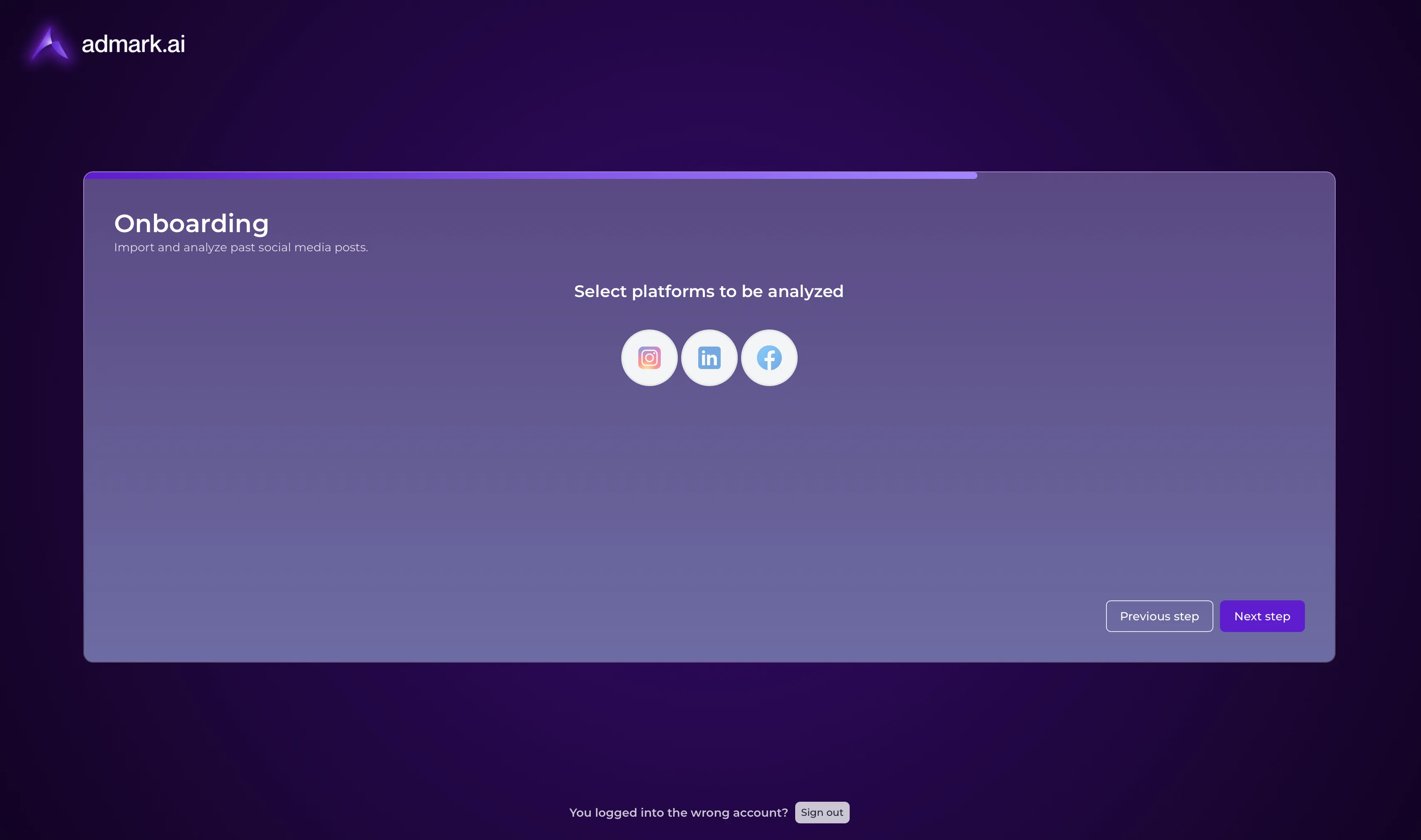
Selecting platforms for content analysis
Step 1: Enter Company Information
Section titled “Step 1: Enter Company Information”-
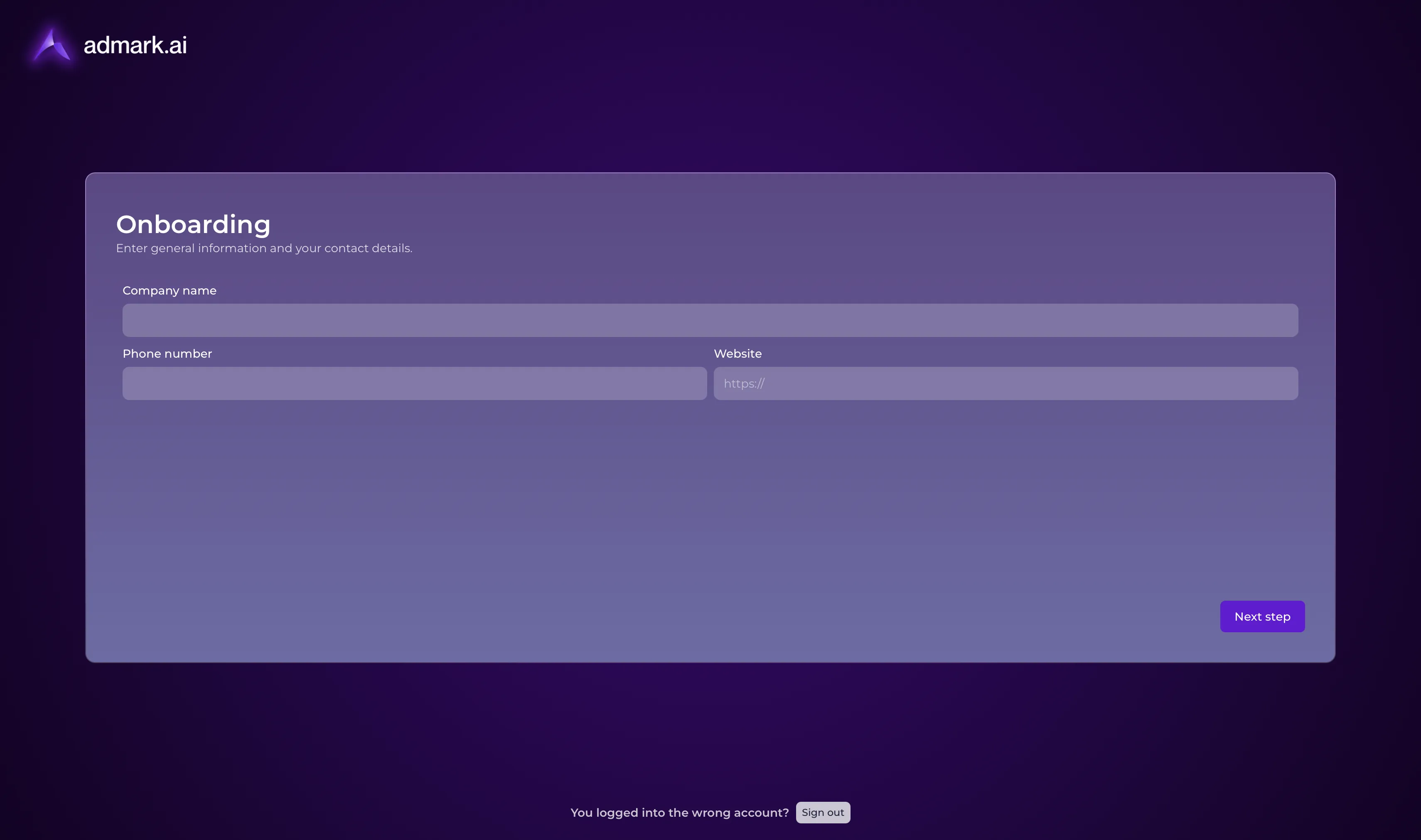
On the first screen, fill in your Company name, Phone number, and optional Website.
-
Click Next step to continue.
Step 2: Fine-tuning
Section titled “Step 2: Fine-tuning”-
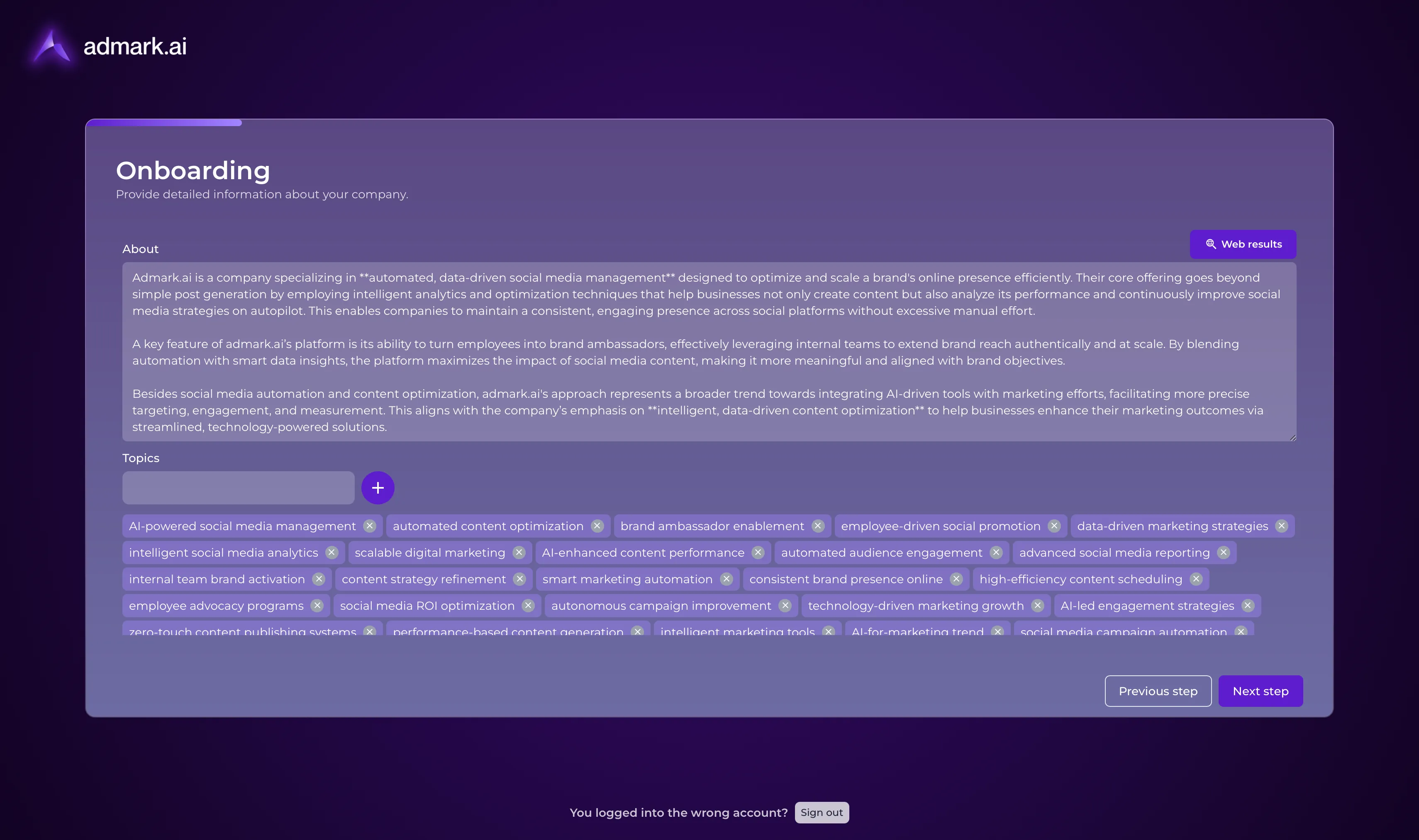
In the About section, enter a short description of your company. This will be used by admark.ai to generate personalized post content.
-
Optionally, click Web results to pull public data as a starting point.
-
In the Topics section, type in relevant focus areas (e.g. “social media management”, “content optimization”) and click the + to add each one.
-
Click Next step when done.
💡 Tip: These topics help the AI tailor post ideas and content to your company’s expertise.
Step 3: Providing details about your business (optional)
Section titled “Step 3: Providing details about your business (optional)”-
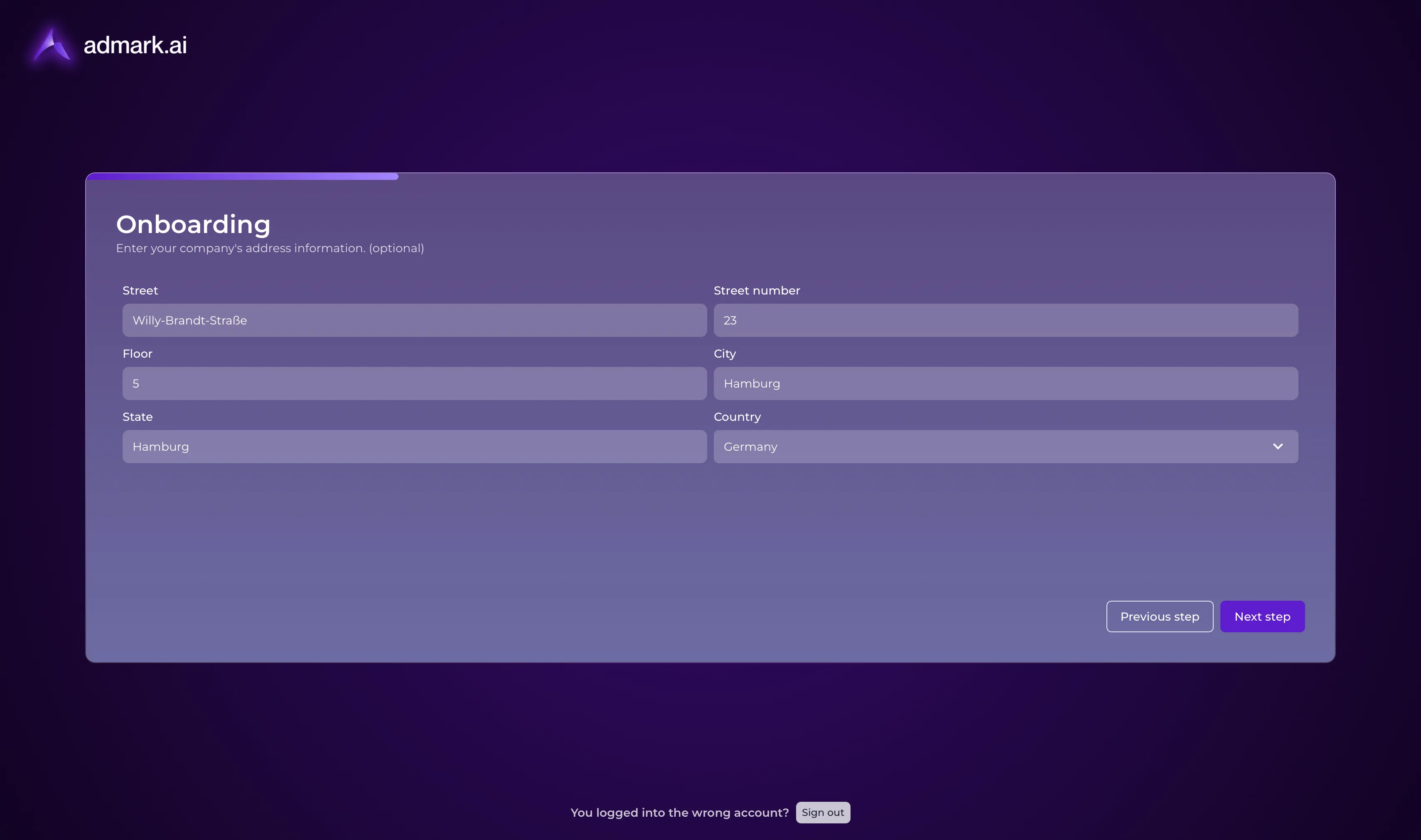
Fill in your company’s Street, Street number, Floor, City, State, and Country.
-
This step is optional but recommended for regional targeting.
-
Click Next step to continue.
Step 4: Select a Subscription Plan
Section titled “Step 4: Select a Subscription Plan”You will now choose one of three available plans with a 7 day trial:
-
Standard (€49.99/month) — Ideal for small teams managing their social presence.
-
Professional (€389.99/month) — Best for data-driven teams seeking optimized results. (Most popular)
-
Enterprise (€1,499.99/month) — Tailored for large-scale social media operations.
- Click Claim your free trial under the plan that fits your company’s needs.
Step 5: Connect Social Media Accounts
Section titled “Step 5: Connect Social Media Accounts”-
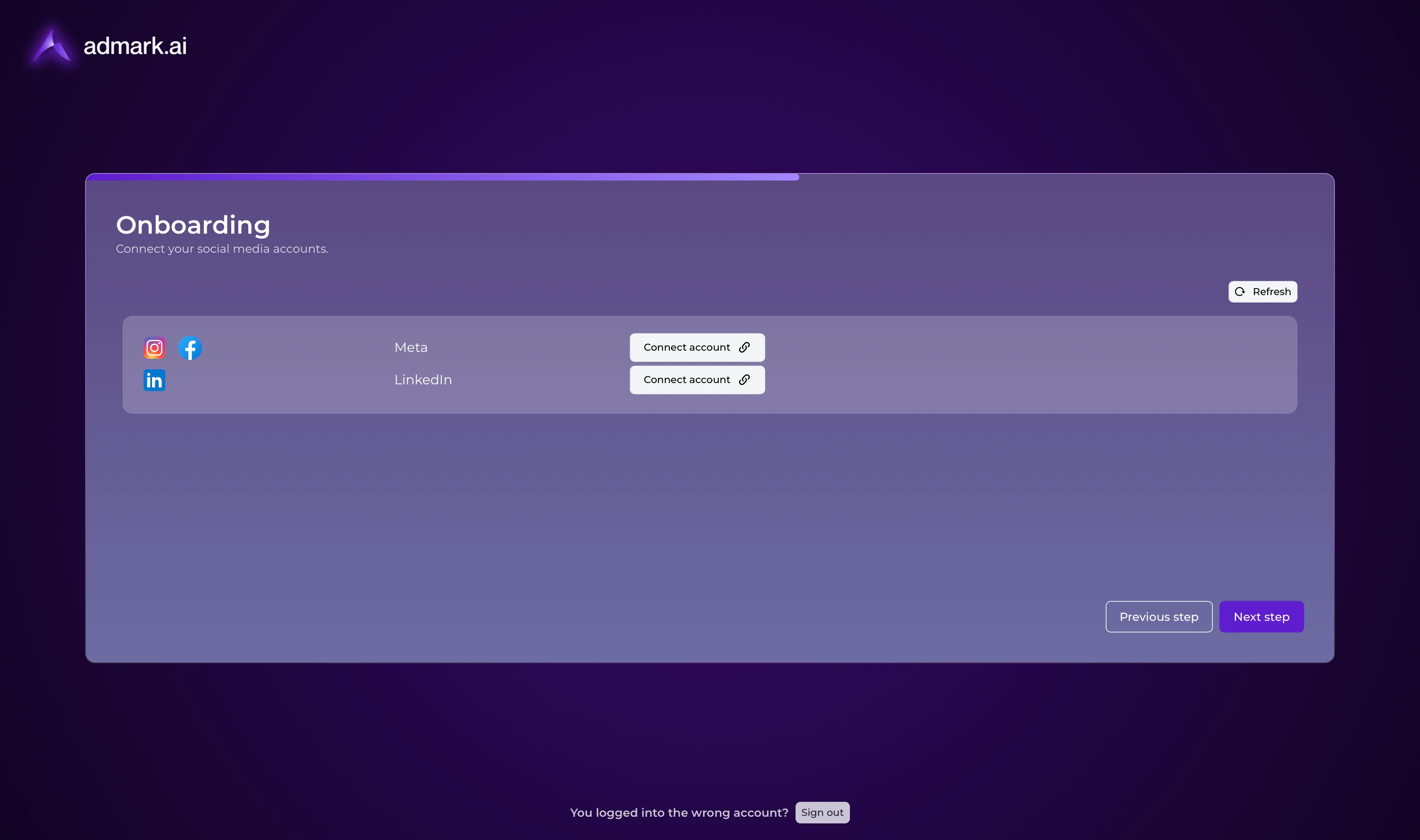
On the Connect your social media accounts screen, click Connect account for each relevant platform:
-
Follow the popup prompts to authorize admark.ai.
-
After connecting, click Next step.
Step 6: Select Platforms to be analyzed
Section titled “Step 6: Select Platforms to be analyzed”-
Choose the platforms you want admark.ai to analyze for past performance: Instagram, LinkedIn, and/or Facebook.
-
Click Next step to finish onboarding.
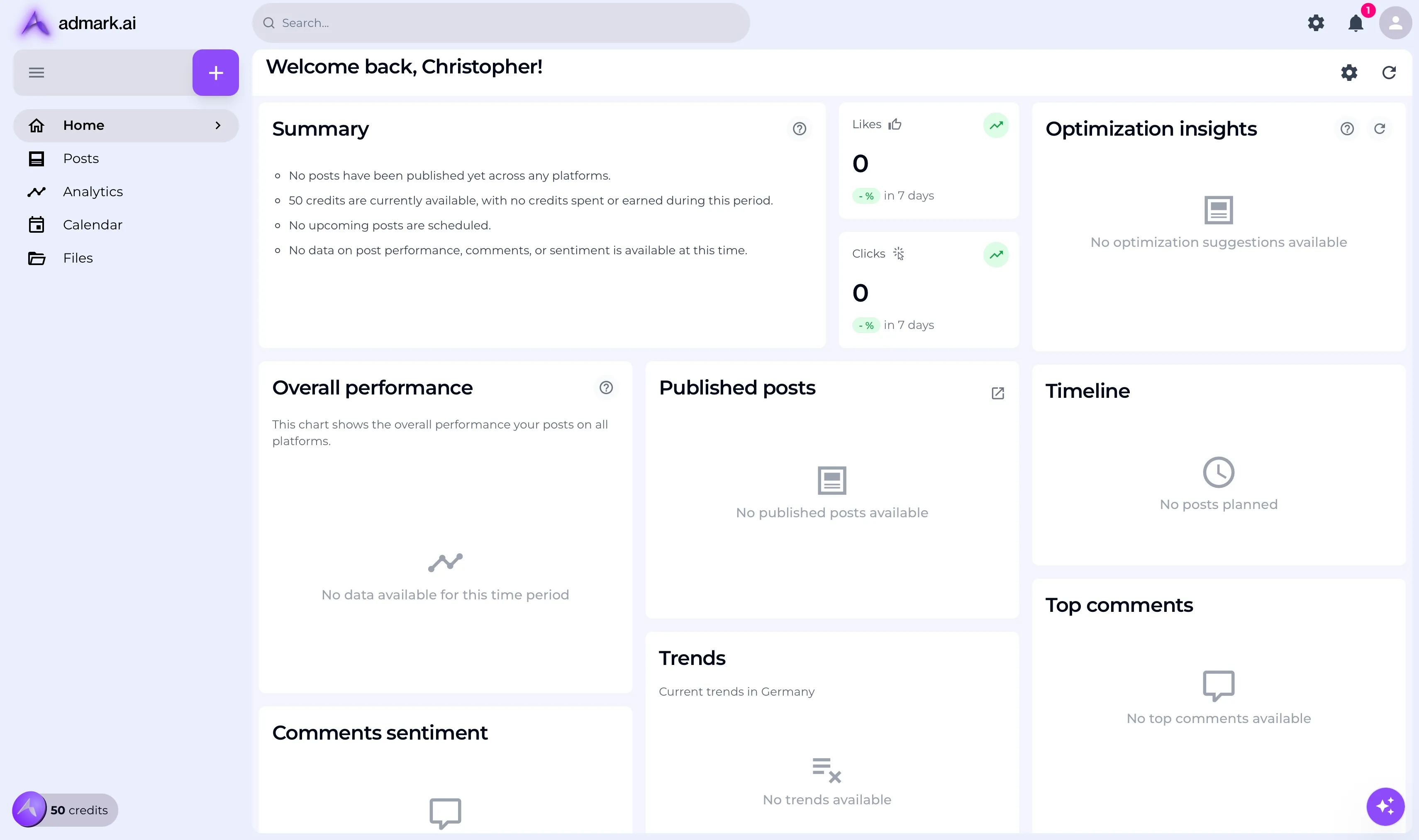
🚀 You’re now ready to start using admark.ai! Head to your dashboard to begin generating posts.
Need Help?
Section titled “Need Help?”If you encounter any issues during onboarding, reach out to [email protected].